Using ZeronDashboard tabsMenu
Dashboard tabs
The tabs under your totals, from left to right.
Perps#
One row per exchange. This is where you tick the exchanges Zeron trades on, activate their keys and check that each one has enough money.
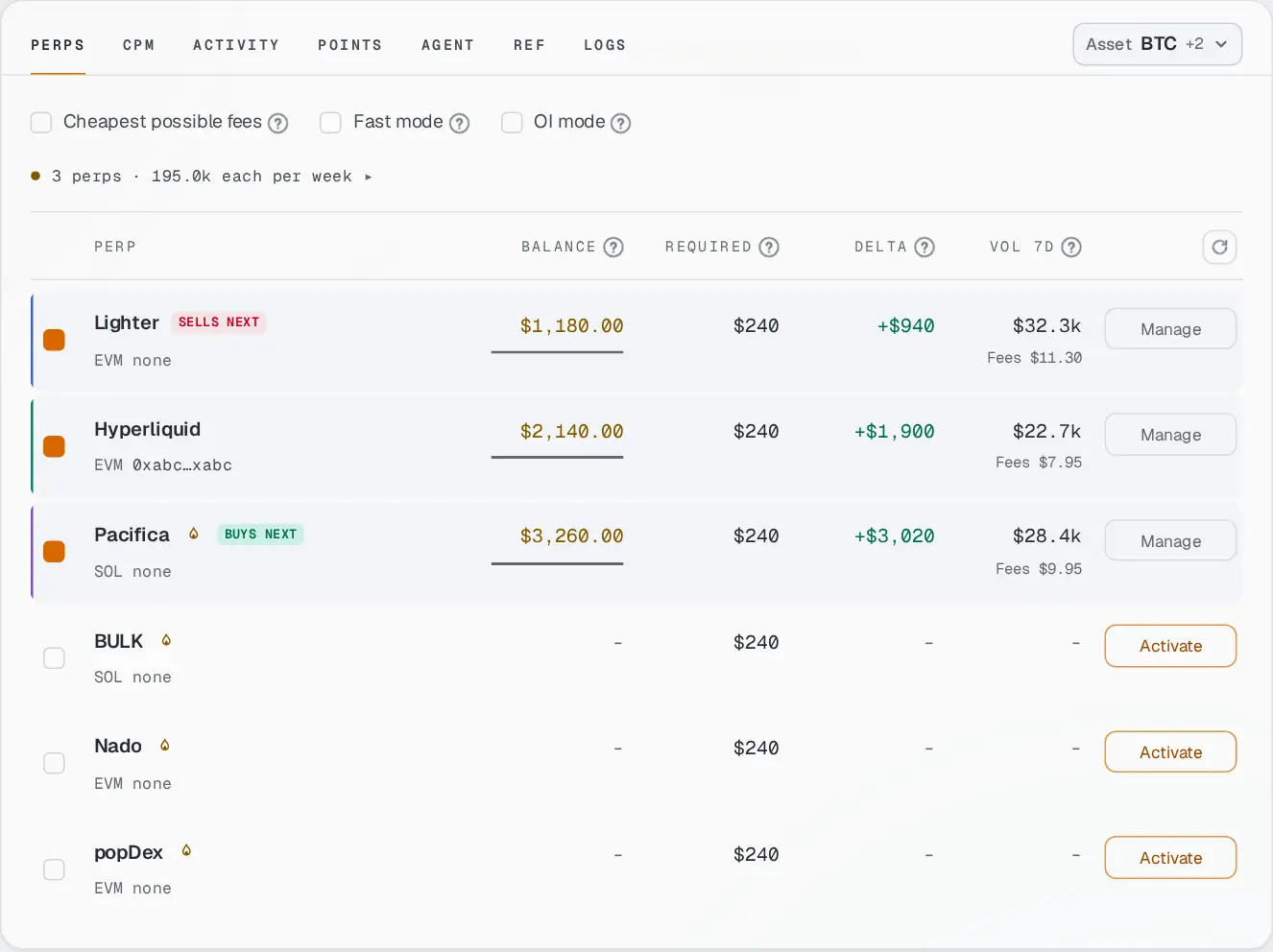
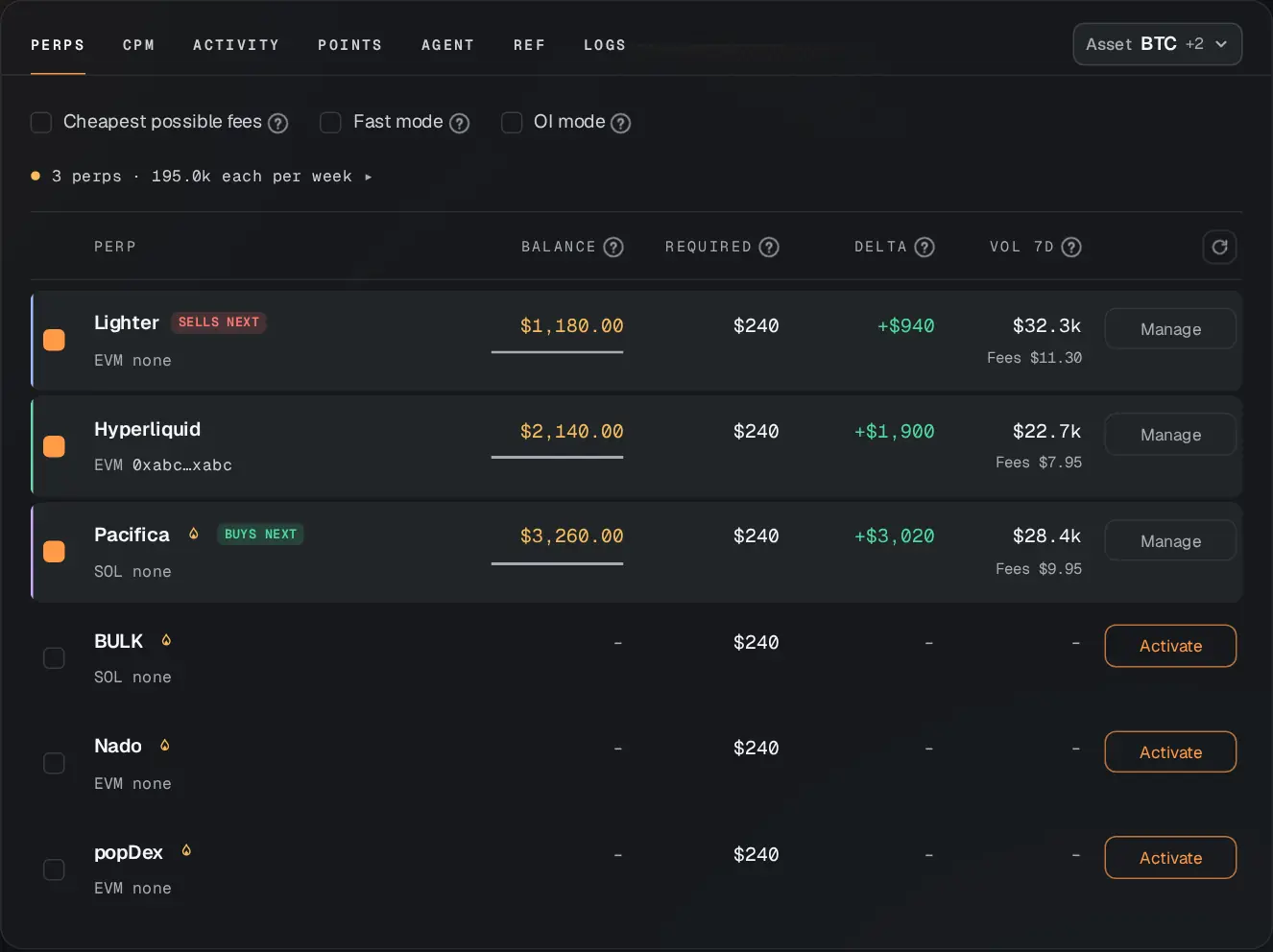
- The box
- Ticked: Zeron trades on this exchange. Unticked: it leaves it alone.
- Buys next / Sells next
- Which side each exchange takes in the next loop.
- Balance
- Your money on this exchange right now. Zeron only reads it, never moves it.
- Required
- The money this exchange needs to reach the weekly volume you chose.
- Delta
- Balance minus Required. Below zero, add that much: until then this exchange sits out.
- Vol 7d
- Trading volume this exchange confirms for the period, with the fees paid underneath.
- Activate
- Creates Zeron’s trading key on this exchange. One signature.
- Manage
- Opens the exchange’s card: how to set it up, where to deposit, and what your key there can do. Keys are removed from the Agent tab.
- Reactivate
- Shown, with a red Key no longer valid, when an exchange stopped accepting the key. Press it to create a new one.
Above the rows: the paid options (Cheapest possible fees, Fast mode, OI mode, explained here), any amber note about an exchange that will sit out, and how much volume each exchange gets per week. The round arrow reloads the balances.
CPM#
Cost per million: what $1M of volume really cost on Zeron’s loops over the last 30 days, across all accounts. Lower is better. Two views: Pairs (two exchanges together) and Perps (one exchange on its own). It includes fees and spread, not funding. A pair only shows up once enough loops from several accounts are behind it. What these costs are.
Activity#
Every loop Zeron tried, grouped by day, newest first. Each day shows its number of loops, volume and fees. Each row is one loop: the pair, how it ended, its volume and its fees.
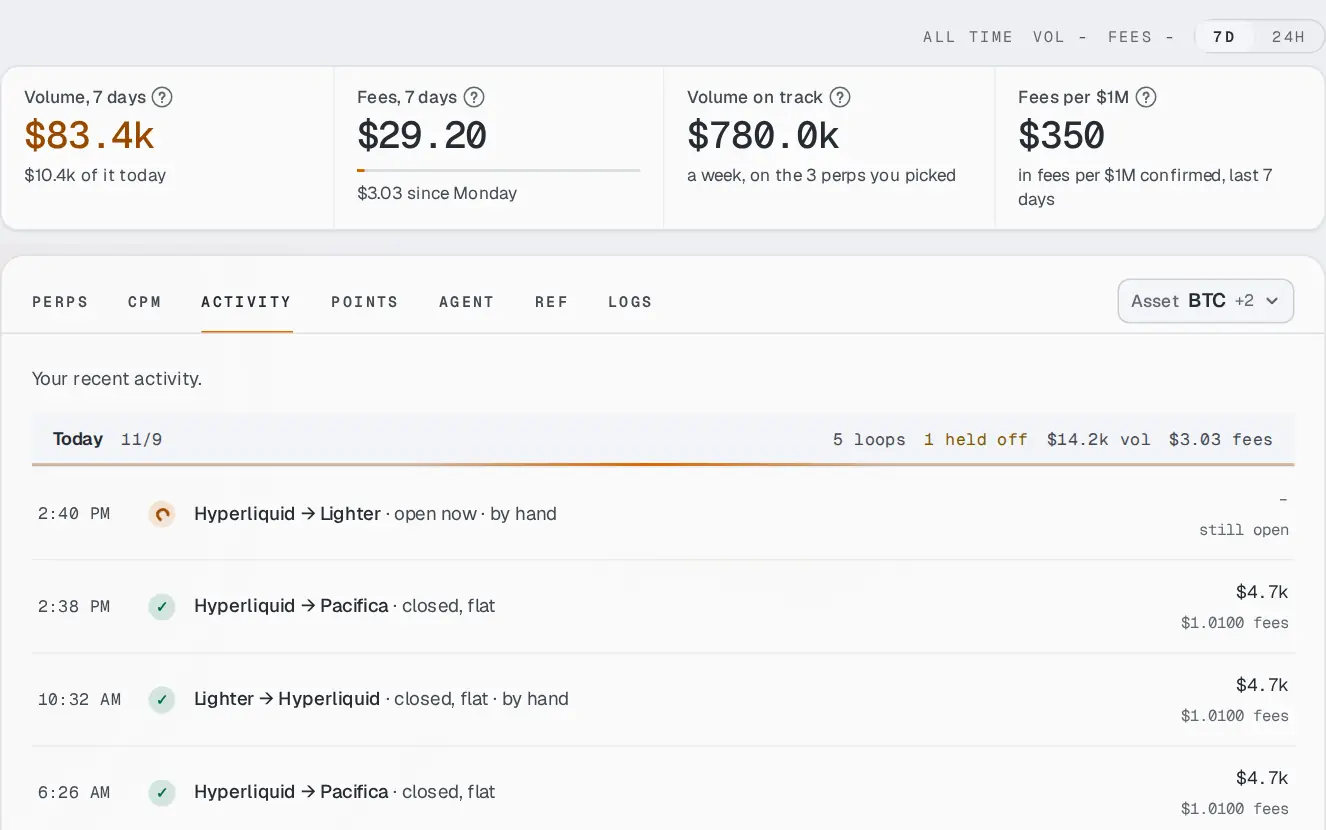
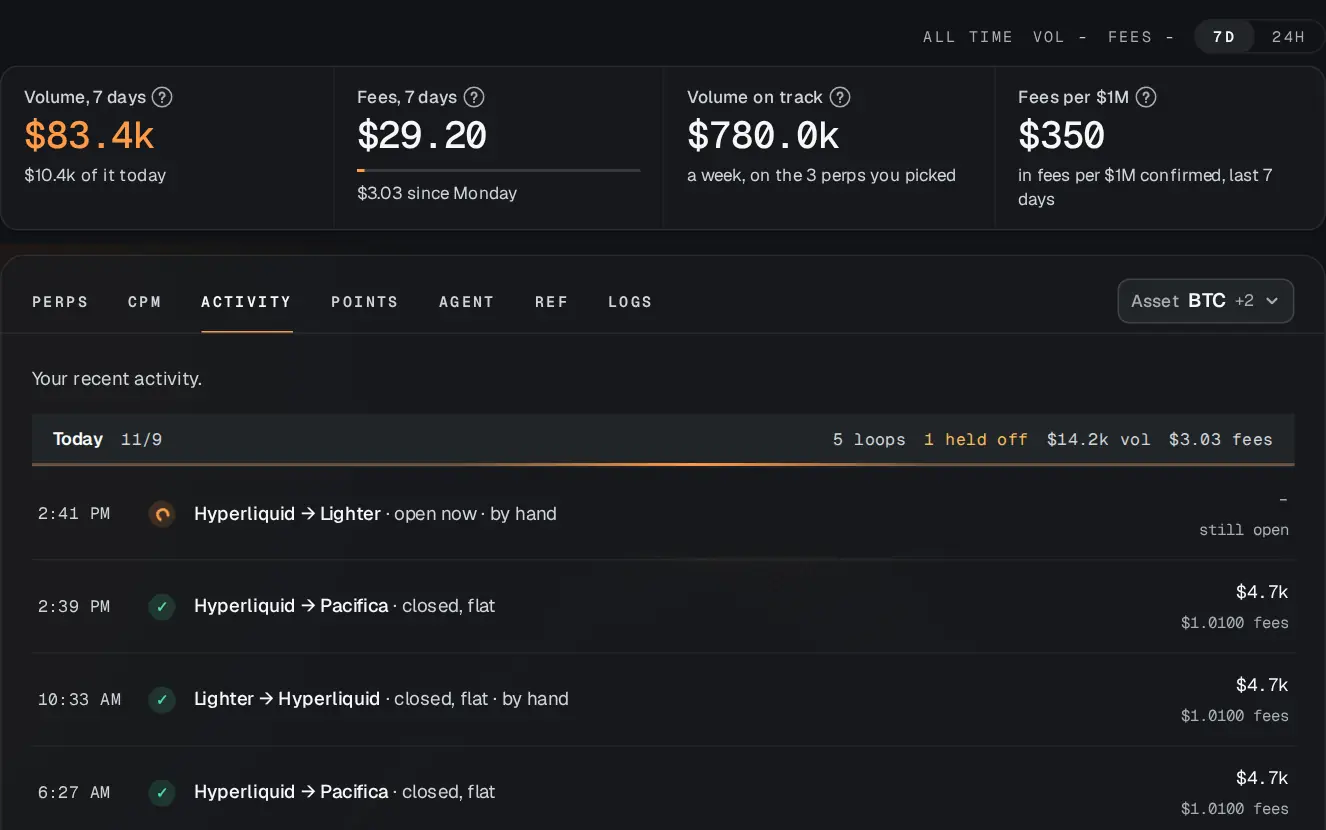
- ✓ closed, flat
- The loop finished and both sides are closed. All good.
- open now
- The loop is running.
- by hand
- You started it with Run semi-automatic now.
- Skipped this turn
- Nothing was traded this time. Press Why to read the reason in plain words.
- Red rows
- Something needs a look. The row says what happened and, when a side might still be open, which exchange to check. Troubleshooting.
Agent#
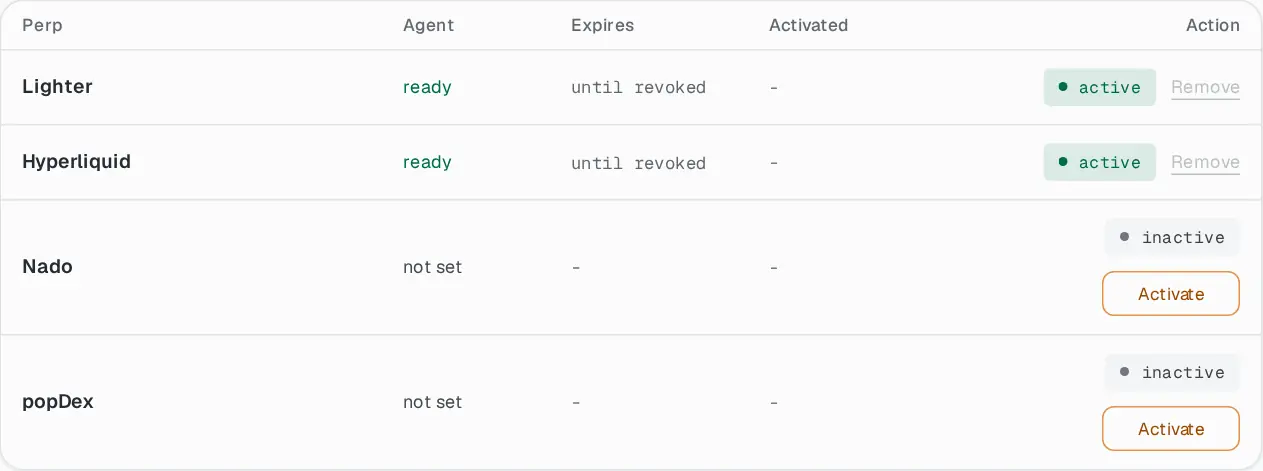
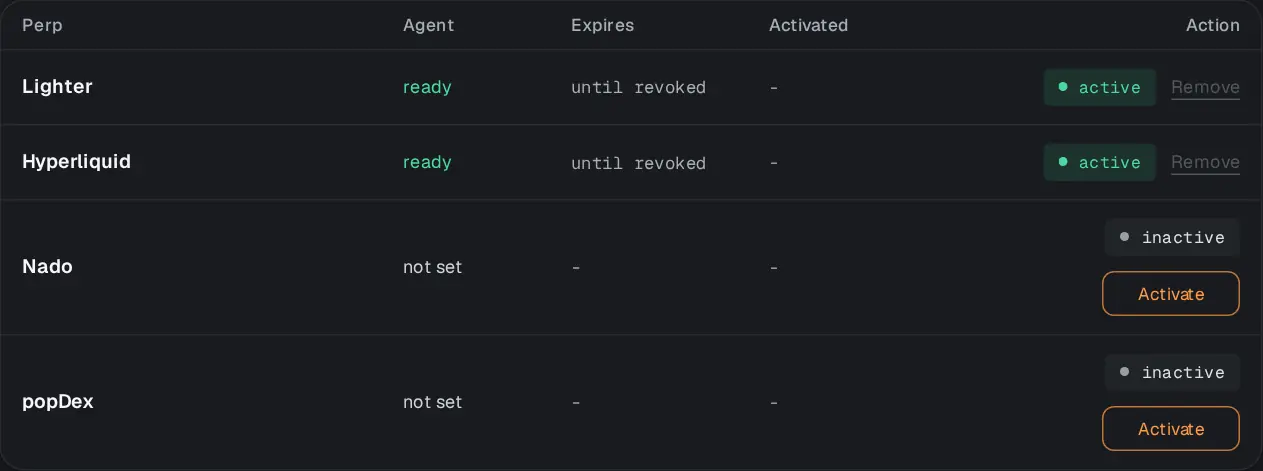
The trading keys Zeron uses, grouped by wallet type (Ethereum-style and Solana). For each exchange: whether the key is ready, when it expires, and a button to activate or remove it.
Alerts#
Messages from Zeron on Telegram. Press Connect Telegram, then Start in the Telegram chat that opens. Then Send a test to check it works. Three switches, each with an example of its message:
- Every trade
- A message after each loop. Off by default: it can be a dozen a day.
- A perp running low
- When an exchange needs money, and when it is fine again. On by default.
- Daily recap
- One summary each morning. On by default.
You can unlink the chat from the same tab, or send /stop to the bot.
Ref#
Your invite link and code, the friends who joined with them, and the points they brought you. How referrals work.
Logs#
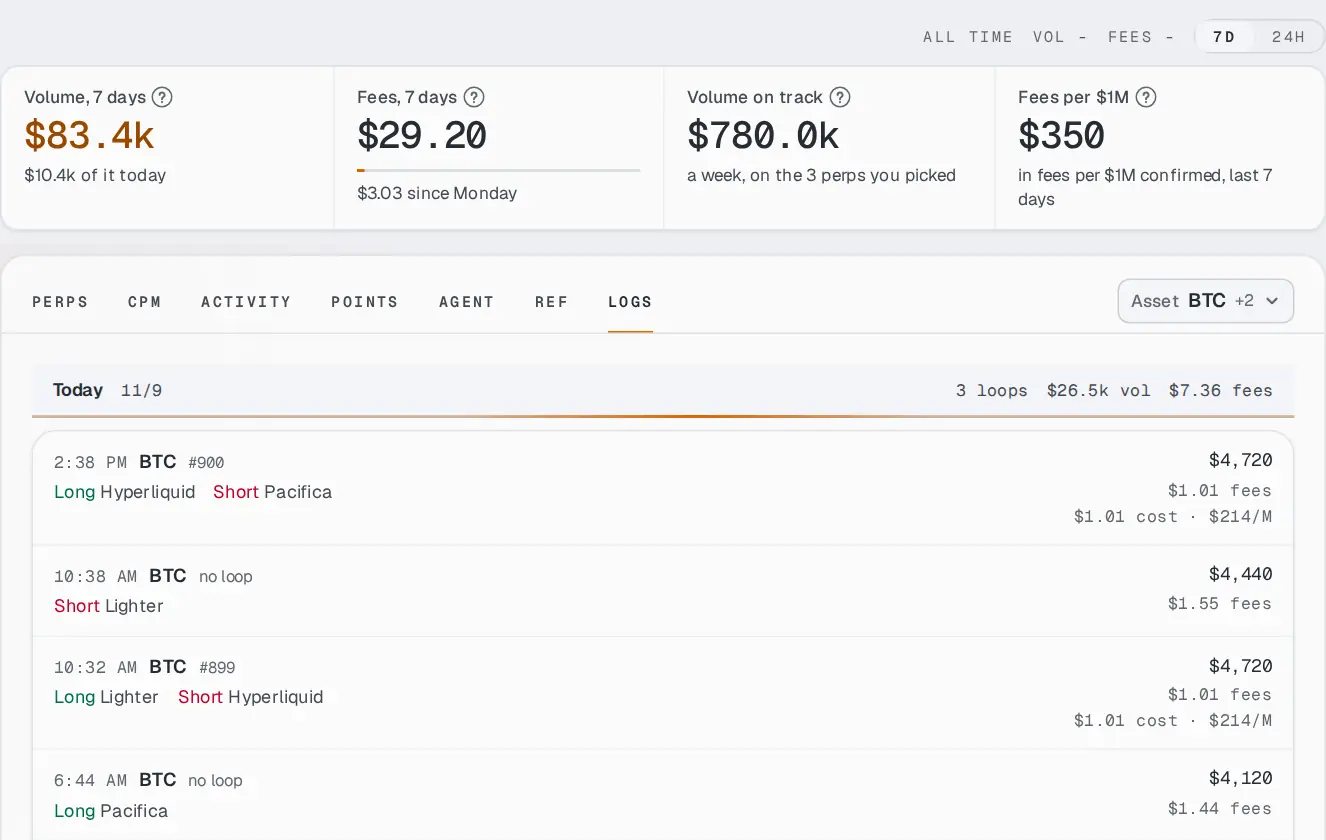
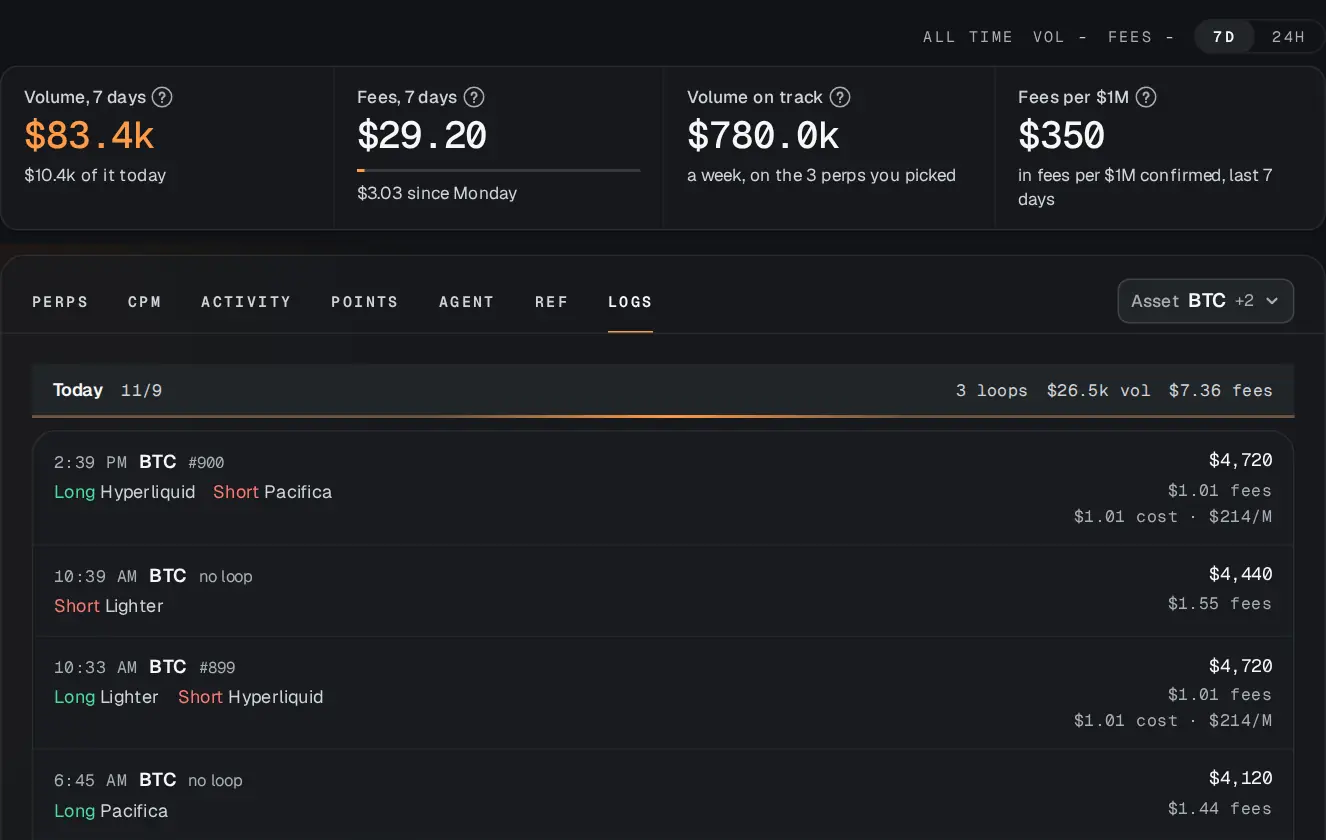
Every single trade your exchanges report, grouped by day: the time, the asset, which side, the size and the fee. Trades that belong to a loop show the loop’s cost and its cost per $1M.
What “no loop” means#
A trade on that exchange that Zeron cannot match to one of its loops, such as a trade you placed yourself. Some exchanges only share their latest trades; for older ones, the totals use Zeron’s own record, and the ? says so.