Using ZeronAssets and settingsMenu
Assets and settings
What Zeron trades, and the few switches that change how it trades.
Picking assets#
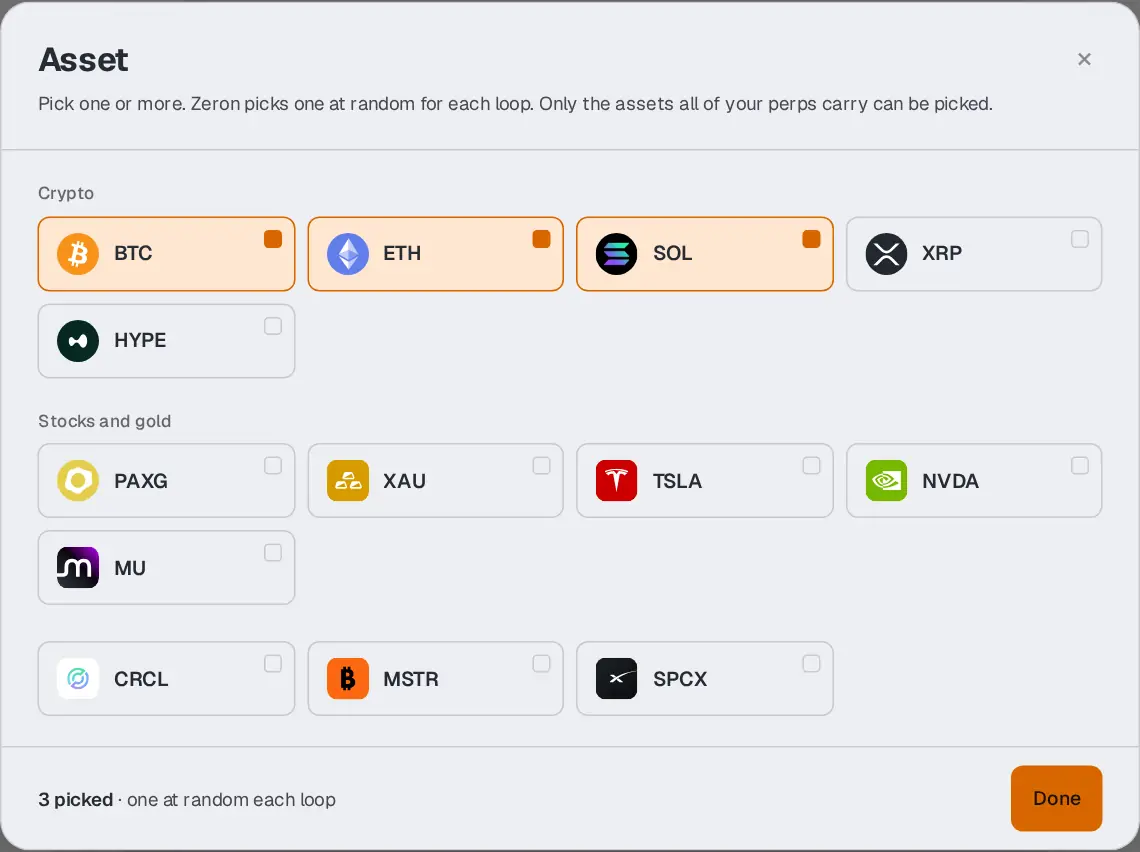
An asset is what both sides of a loop trade: Bitcoin (BTC), Ether (ETH), a stock like Tesla (TSLA), gold (XAU)… Press the Asset button, top right of the tabs, to choose.
One asset, or several at random#
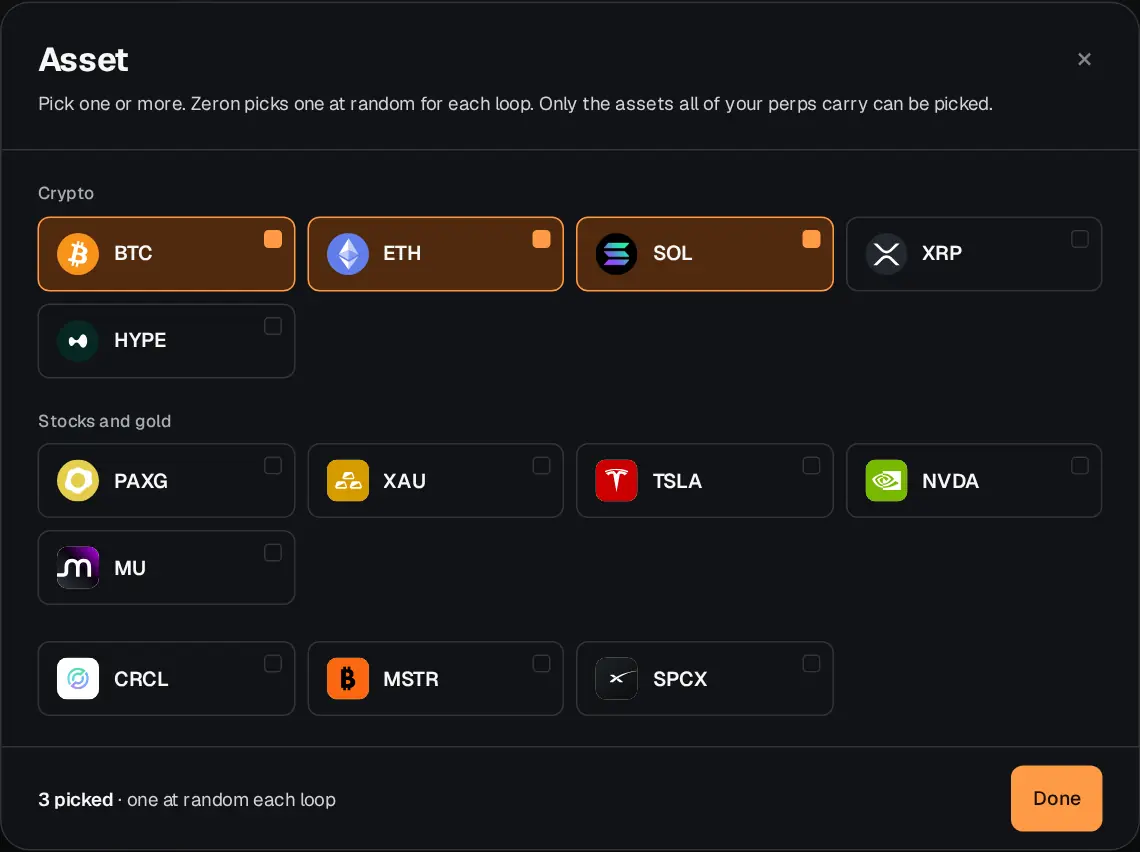
Tick one asset and every loop trades it. Tick several and Zeron picks one of them at random for each loop. The button then shows the first one and a +2, +3… for the others. You always keep at least one.
Why some assets are missing#
Both sides of a loop trade the same asset, so an asset can only be picked if all the exchanges you ticked trade it. The others are folded under Not on your perps, with the exchange that does not trade them. Tick a different exchange, and the list changes. Assets marked Market hours only trade while their market is open (see below).
If your exchanges have no asset in common at all, Zeron picks one for each pair of exchanges instead. The Asset button then says Per pair, and the Perps tab lists each pair with the asset it trades.
On the free plan#
On Free, the list is shown but locked. Choosing assets is part of the paid plans, from Pro. See the plans.
Stocks and market hours#
Crypto trades around the clock. Stocks are different: on some exchanges they only trade while the stock market is open. When an exchange in your pair follows market hours, Zeron only starts a loop that can finish before the market closes. Outside those hours the Asset button shows closed, and Zeron simply waits for the next opening.
The paid options#
Three boxes above the list of exchanges, on paid plans. They change how Zeron trades, not what it trades. A ? next to each one explains it in one line.
Cheapest possible fees#
Zeron also closes with a limit order, and waits for someone to take it, instead of closing at the market price straight away. If nobody takes it, it closes at the market price as usual. Cheaper, a few minutes slower, and only on the exchanges where it helps. Some exchanges may give fewer points for it.
Fast mode#
About three times more loops a day, the same size each. So three times the volume and three times the fees. Your plan’s weekly limit is reached three times sooner.
OI mode#
For exchanges that reward positions kept open rather than volume. Far fewer trades, each much bigger, each kept open for most of a day. The weekly volume and fees stay about the same, but every exchange needs much more money. The box shows the figures for your account before you tick it.
Fast mode and OI mode cannot both be on: ticking one unticks the other. OI mode does not work with stocks that follow market hours.